How to integrate Shopify with UpFunnel? 🛒
Integrating Shopify with UpFunnel will allow you to import your products straight to UpFunnel. This way you won't need to manually add images or create a buy URL - we'll take care of it ✨
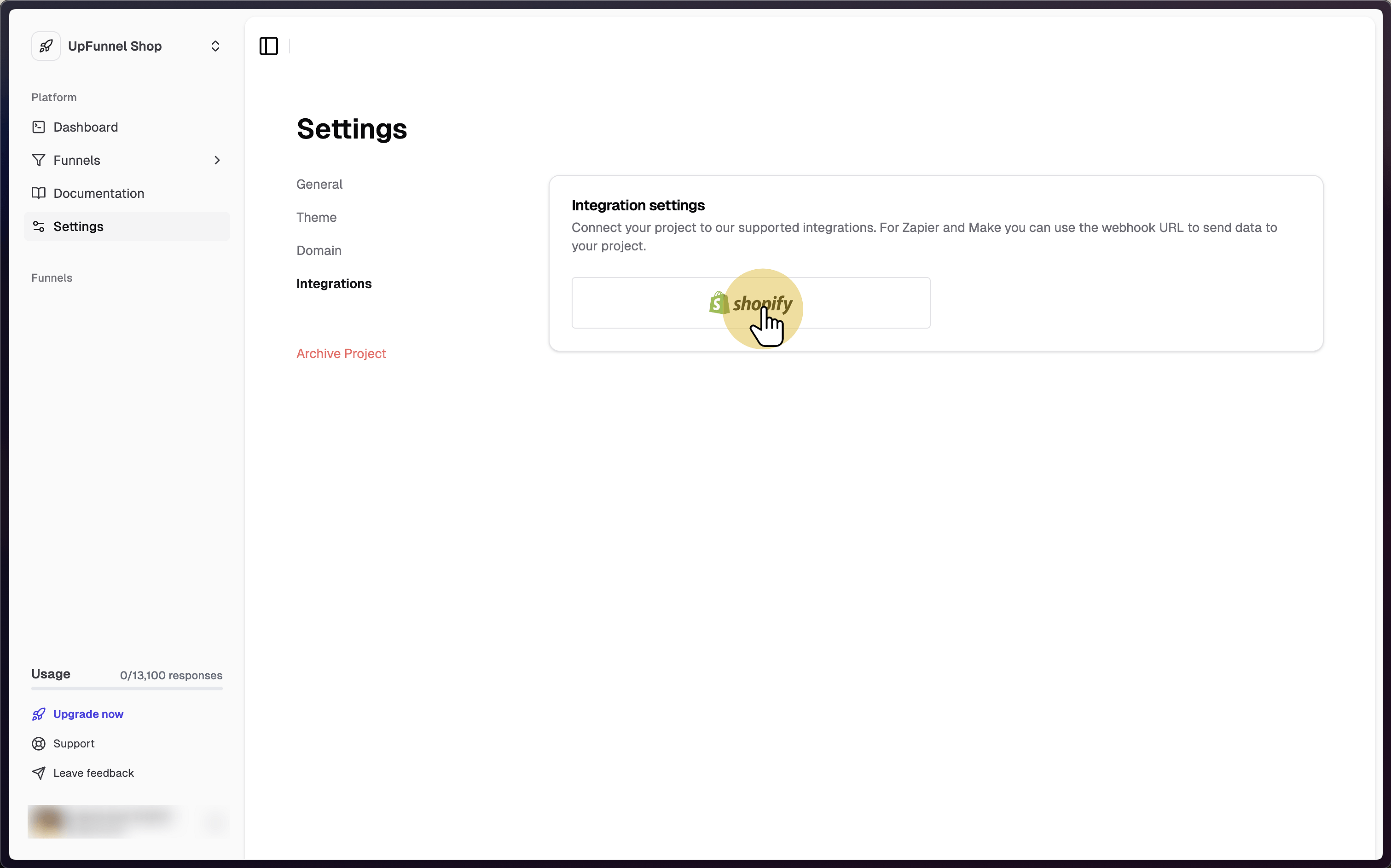
1. Click on Shopify in the integration settings
https://app.upfunnel.co/settings?tab=INTEGRATIONS
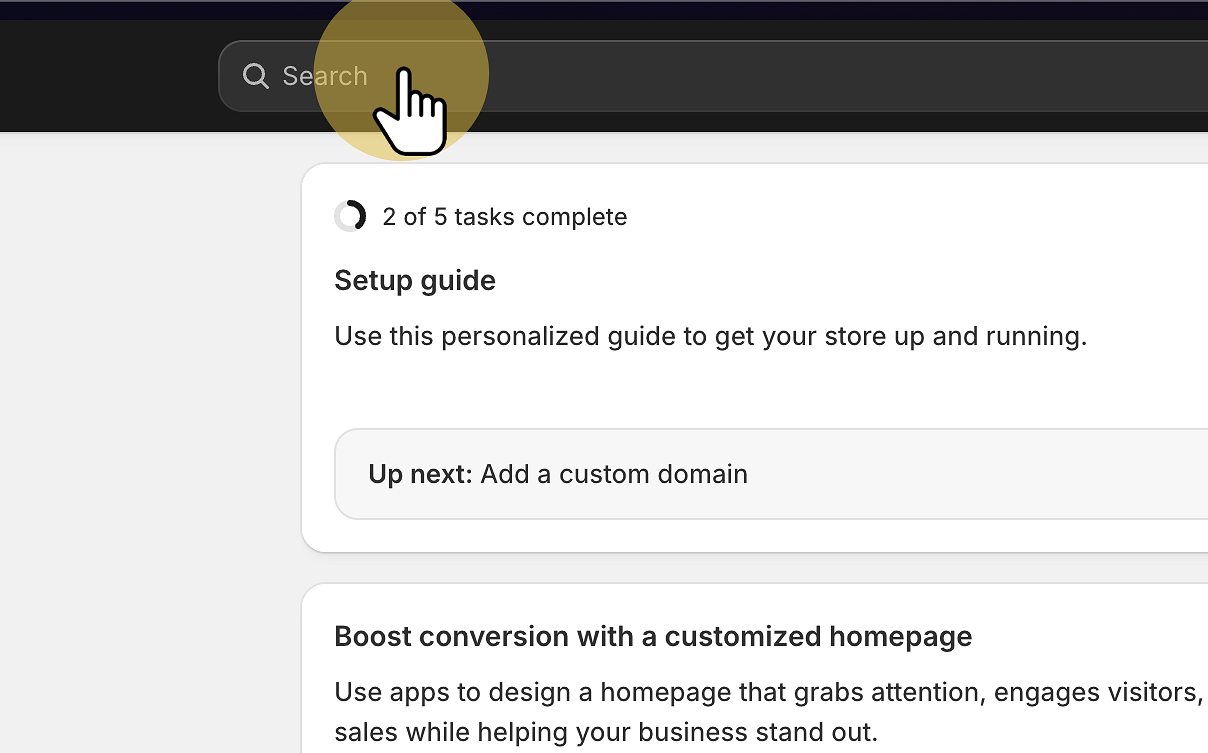
2. In your Shopify admin panel click on search
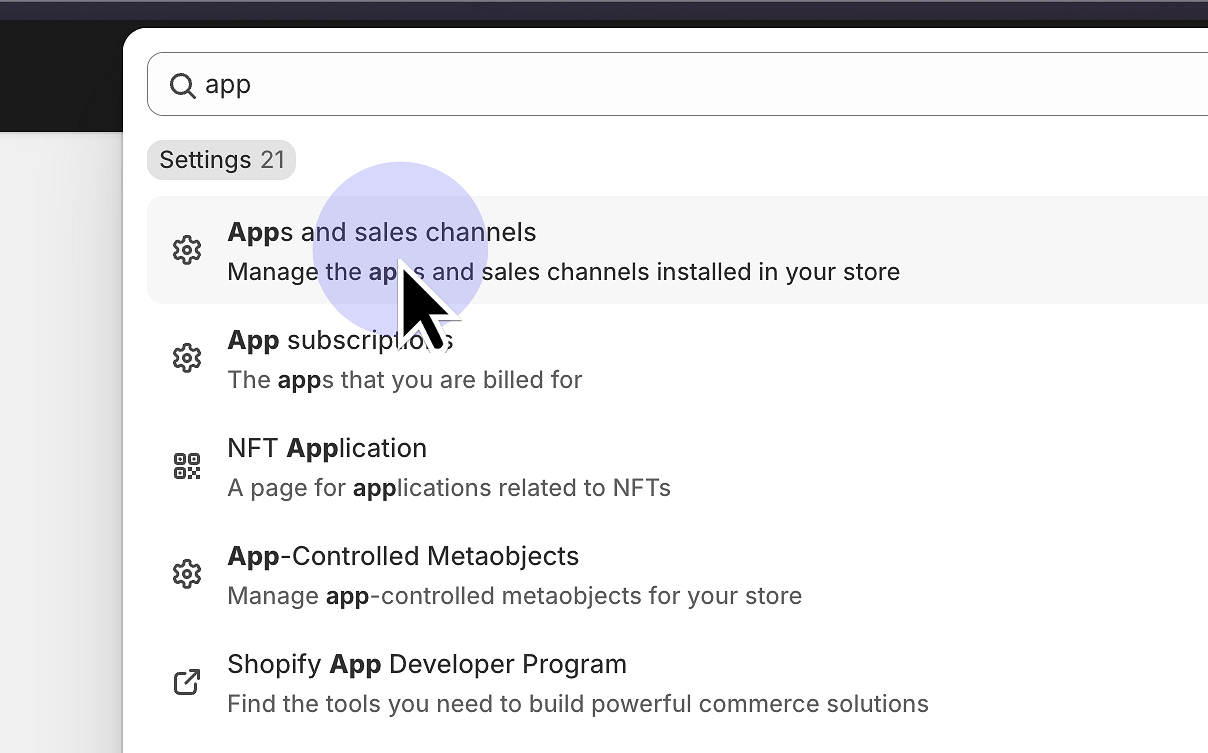
3. Find "Apps and sales channels"
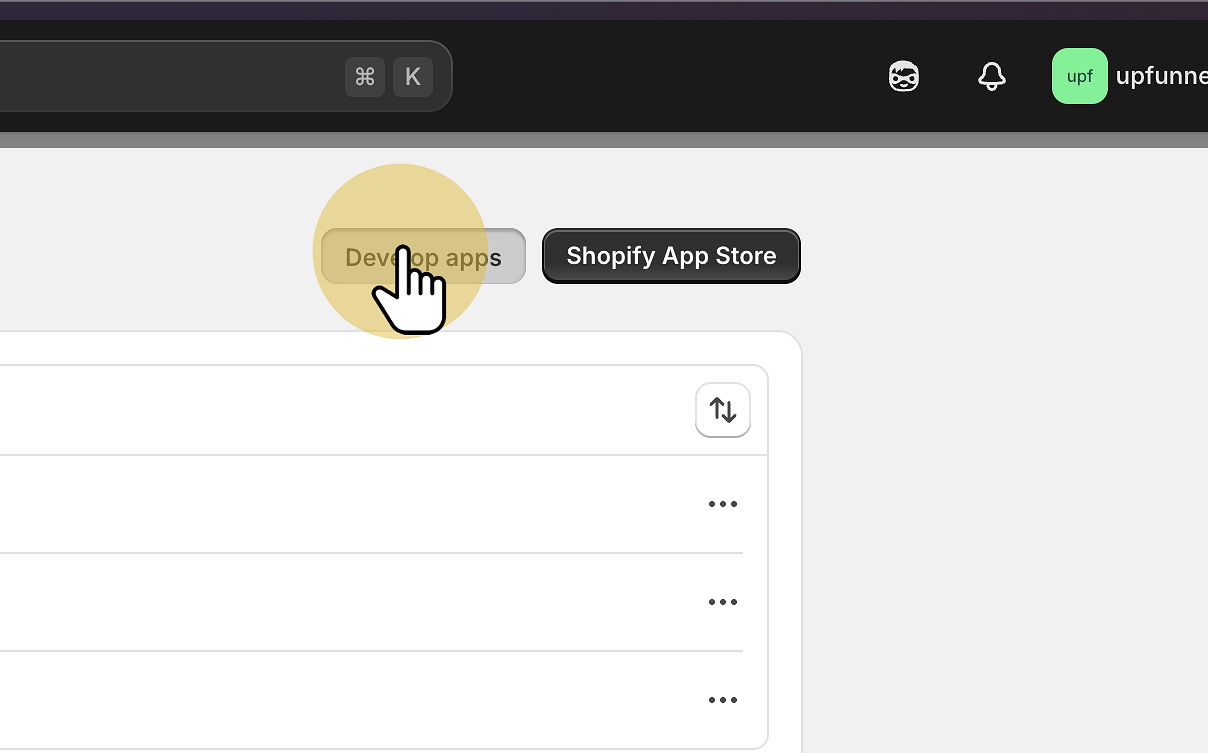
4. Click "Develop apps" · Apps and sales channels · Shopify"
5. Click "Create an app" · Apps and sales channels · Shopify"
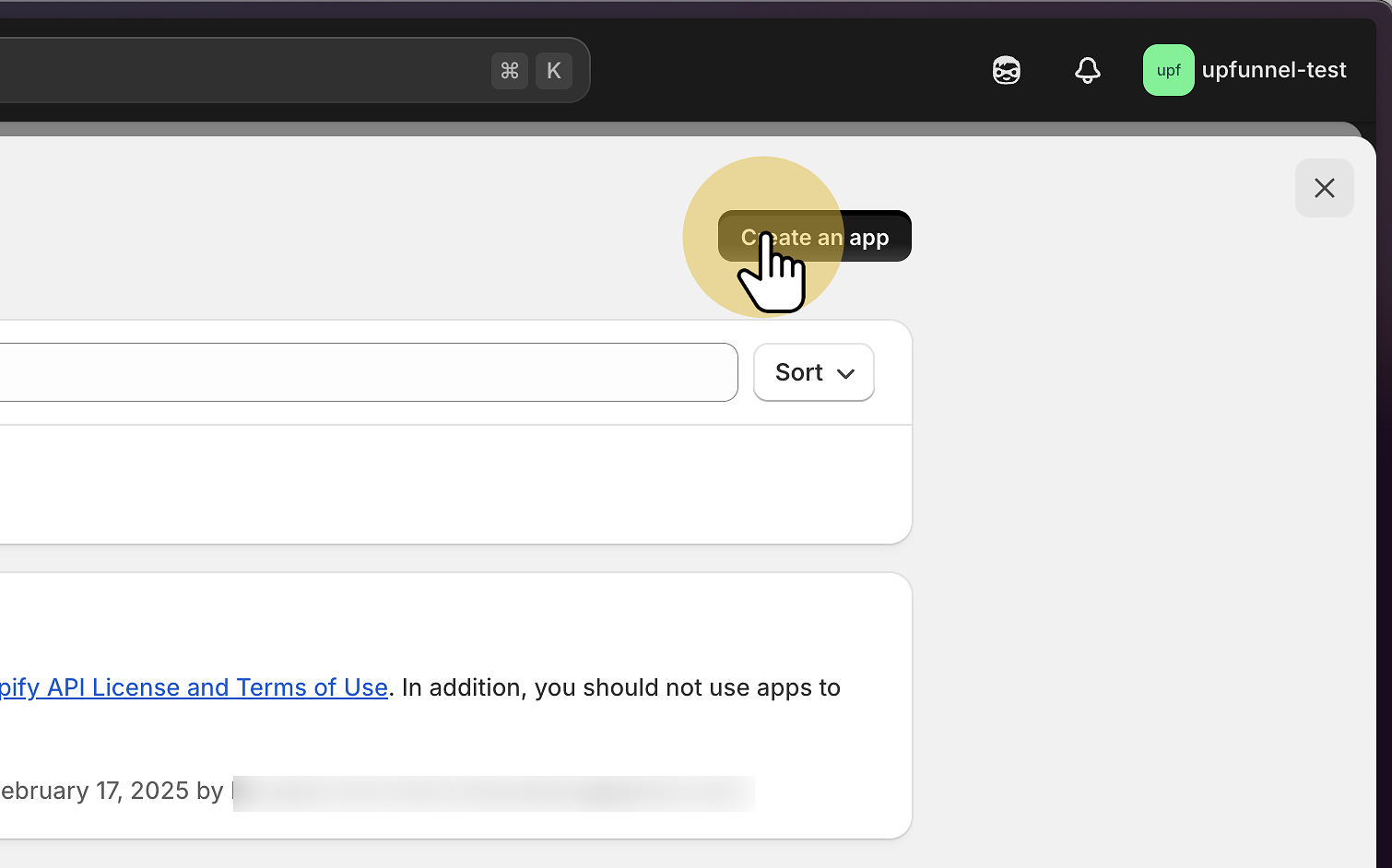
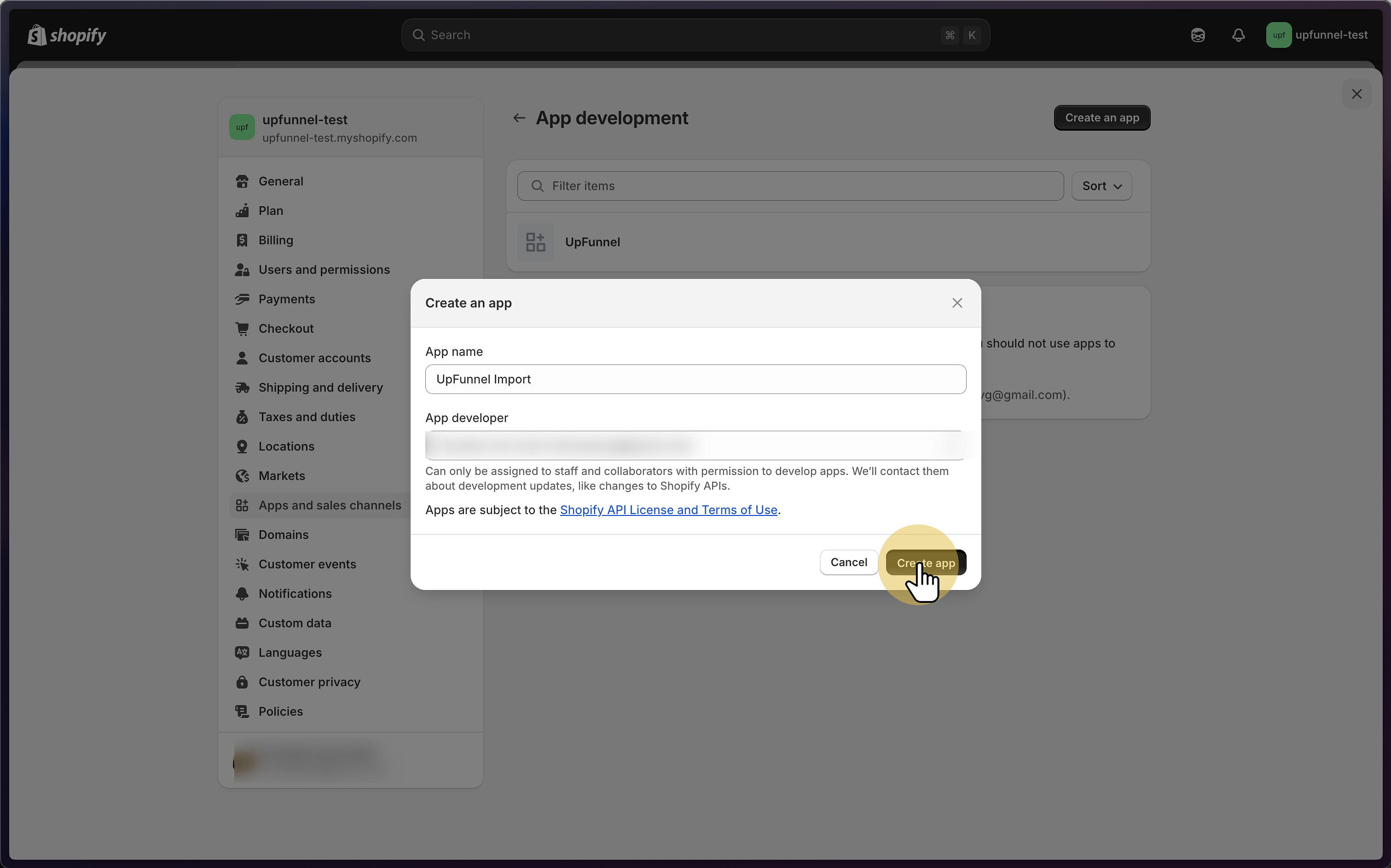
6. Click "Create app" · Apps and sales channels · Shopify"
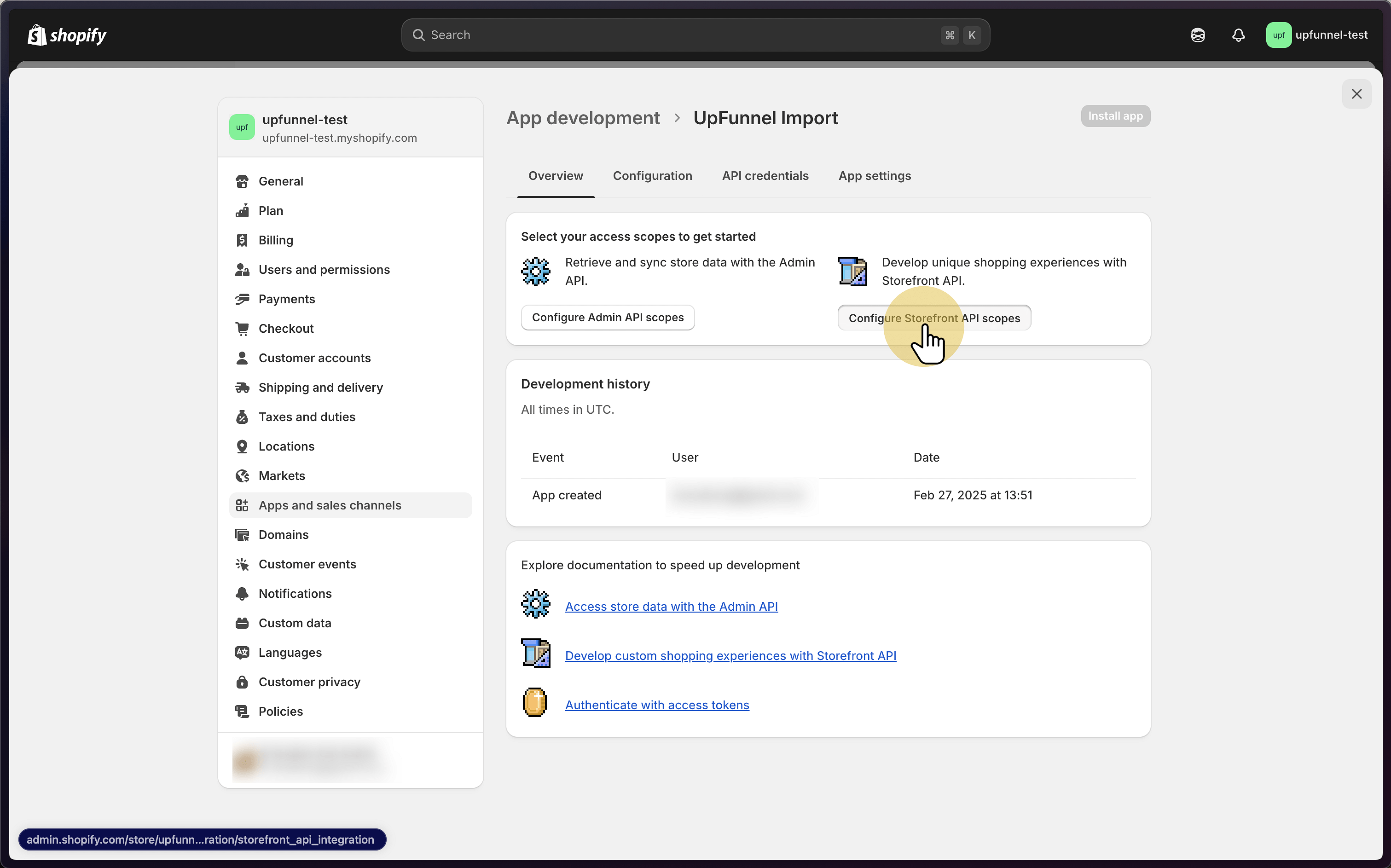
7. Click "Configure Storefront API scopes" · Apps and sales channels · Shopify"
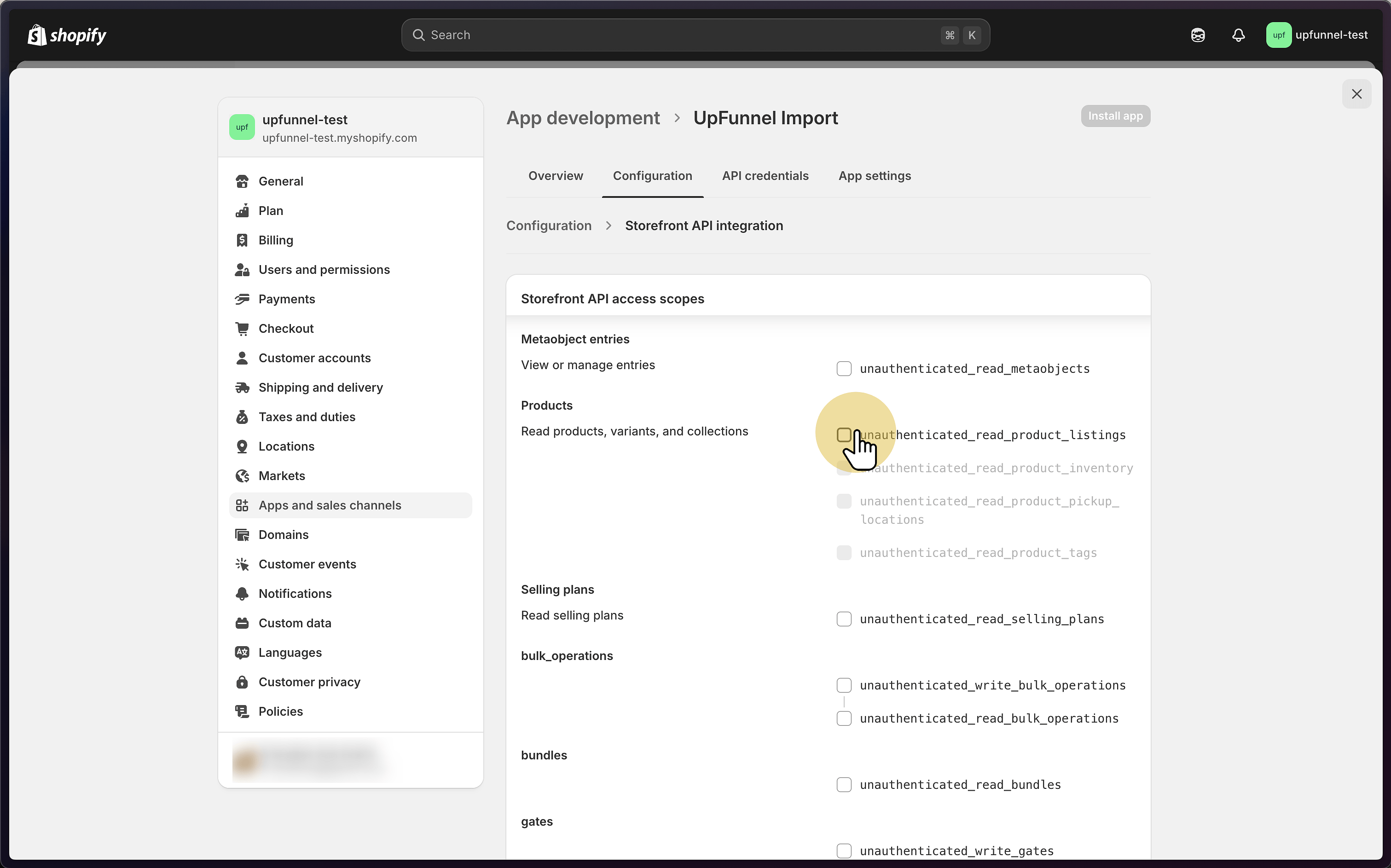
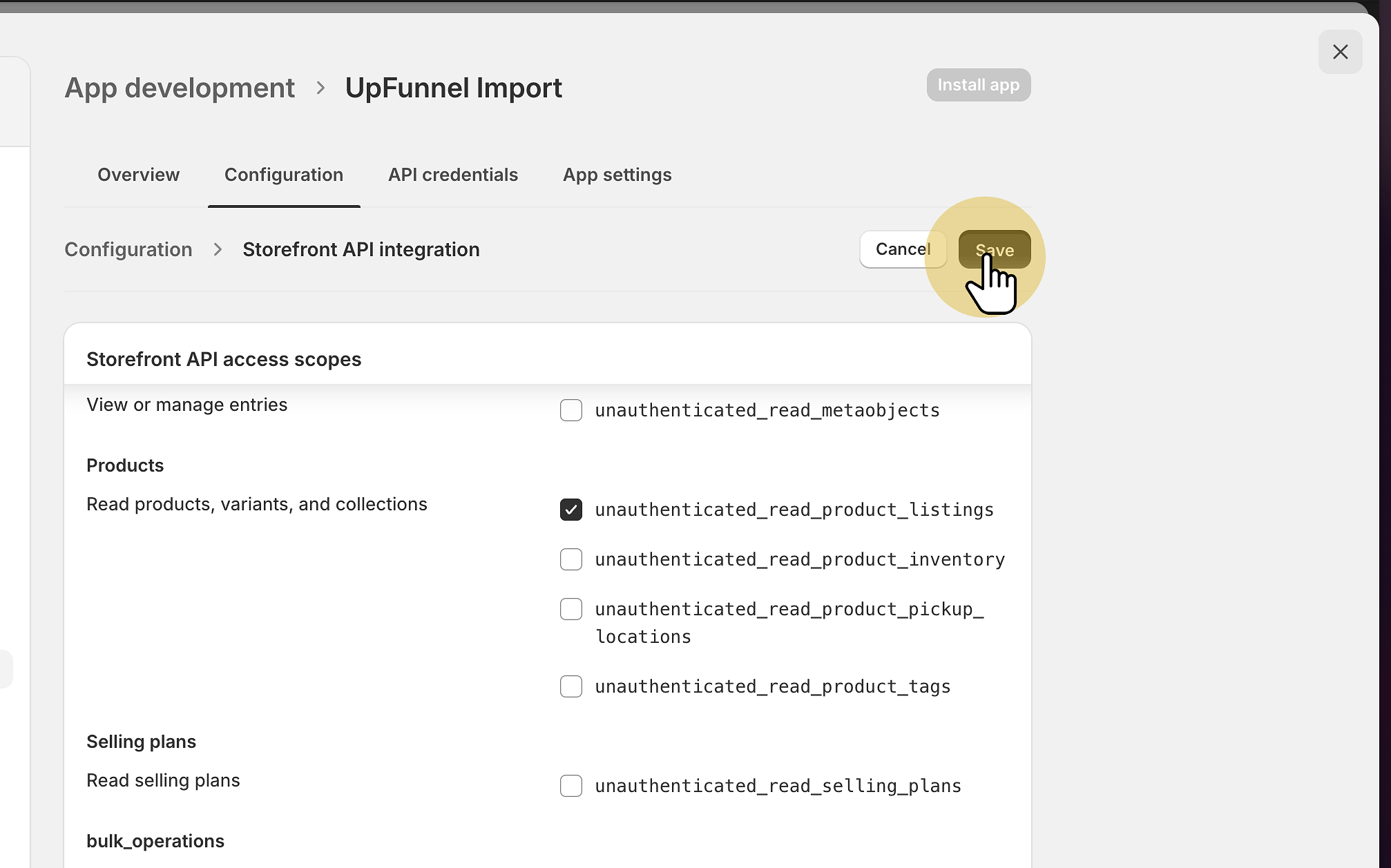
8. Toggle "unauthenticated_read_product_listings" · Apps and sales channels · Shopify"
This is the only thing we need as we'll just be fetching the product data.
9. Click "Save" · Apps and sales channels · Shopify"
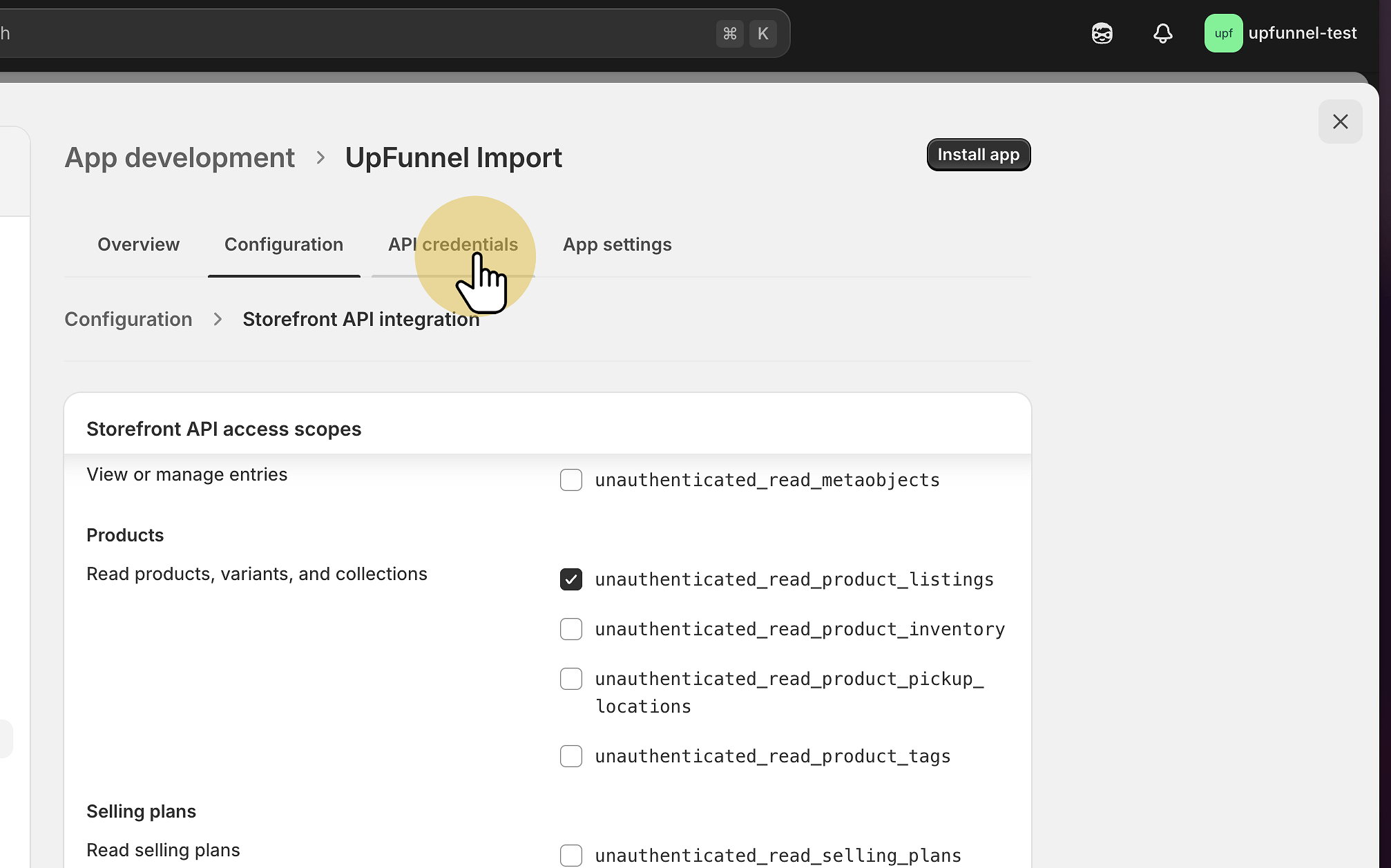
10. Go to "API credentials" · Apps and sales channels · Shopify"
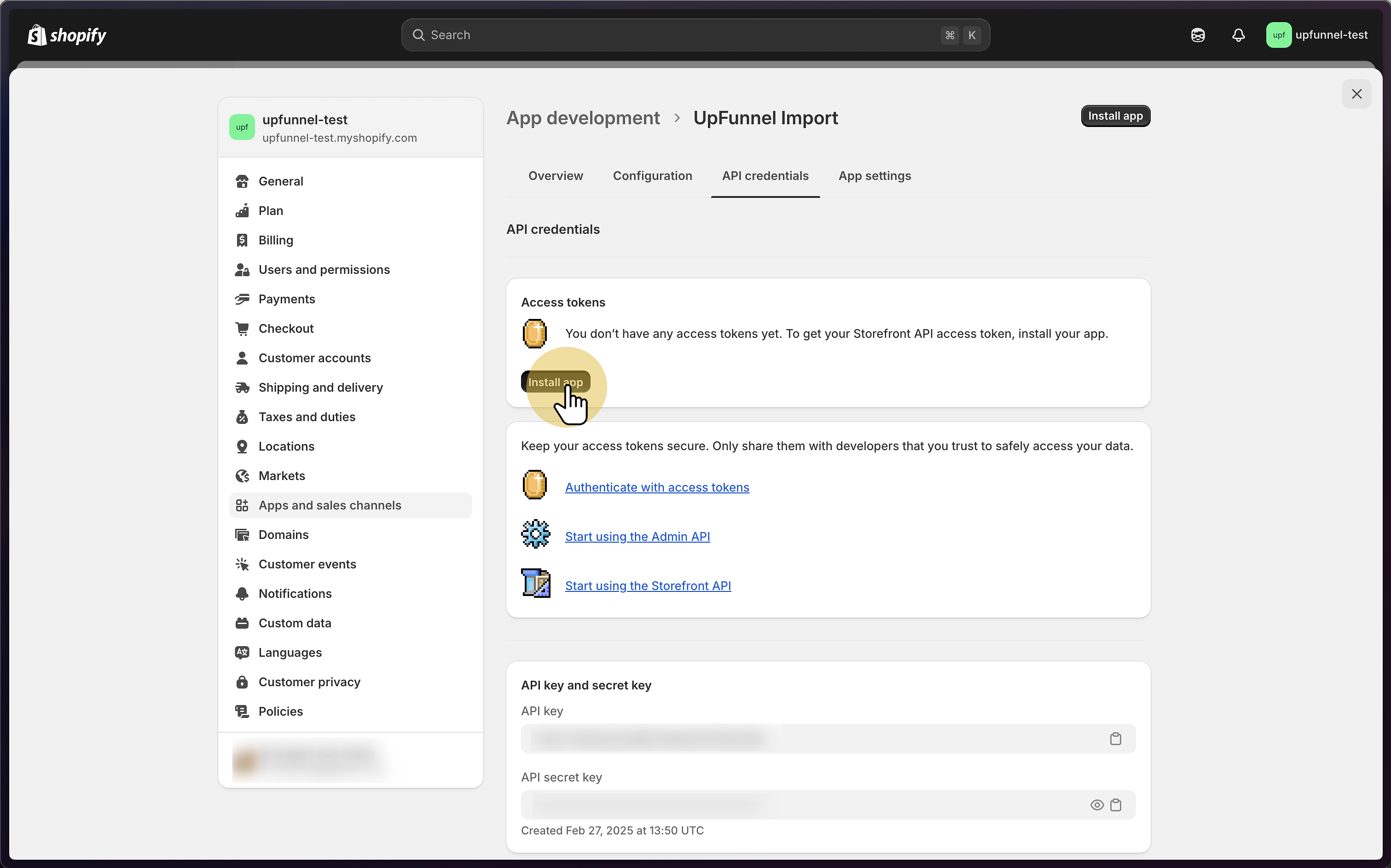
11. Click "Install app" · Apps and sales channels · Shopify"
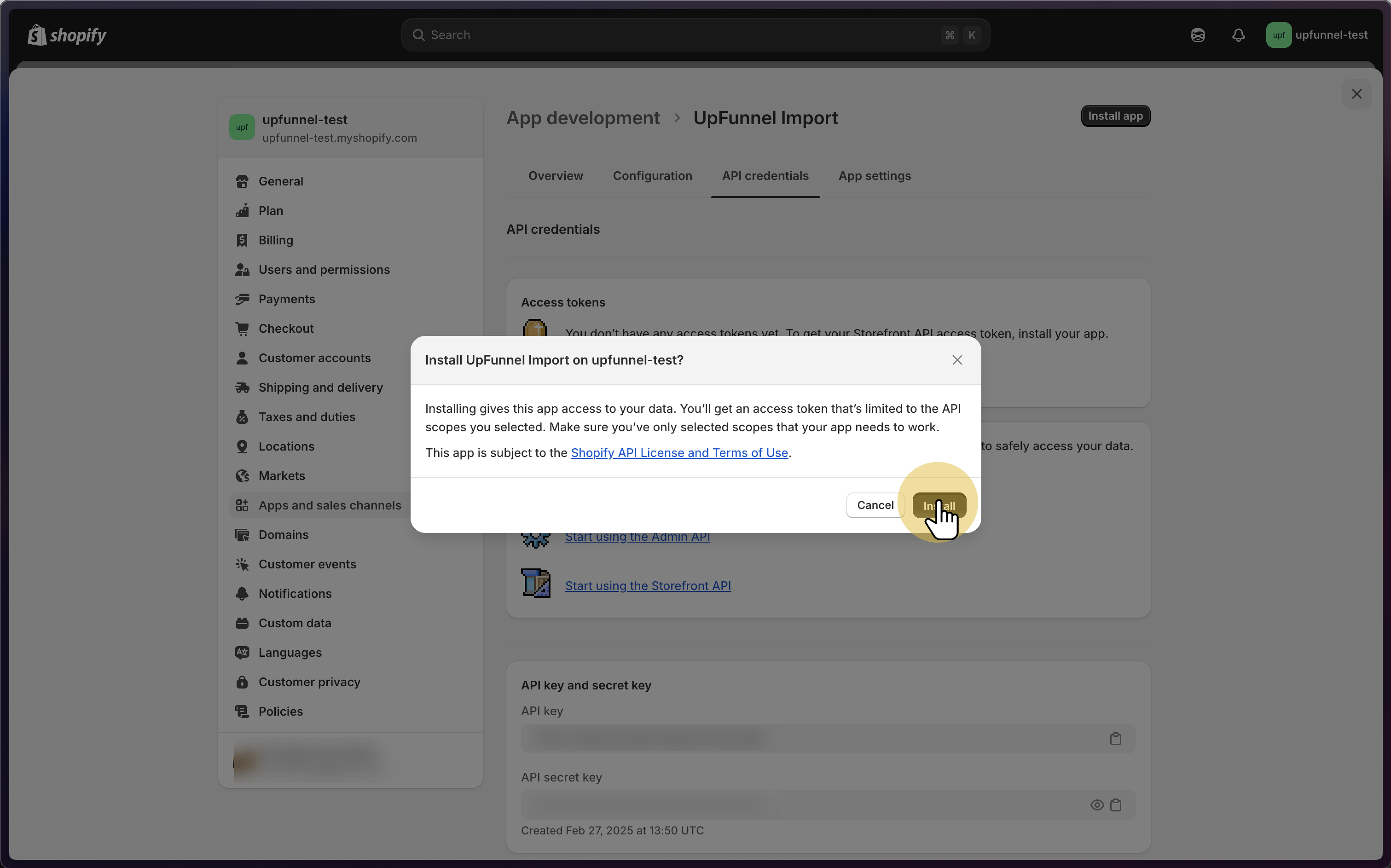
12. Click "Install" · Apps and sales channels · Shopify"
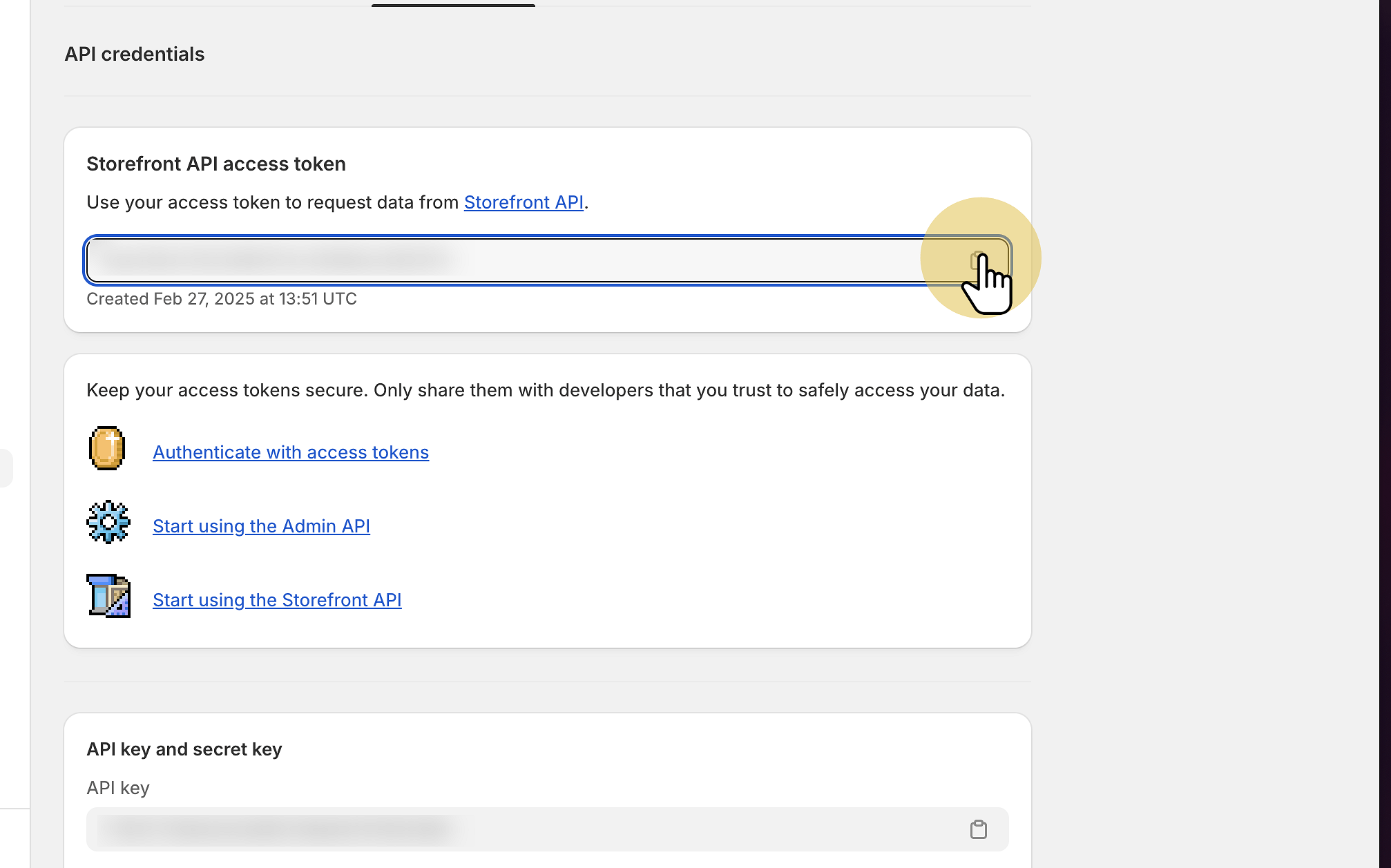
13. Copy the access token · Apps and sales channels · Shopify"
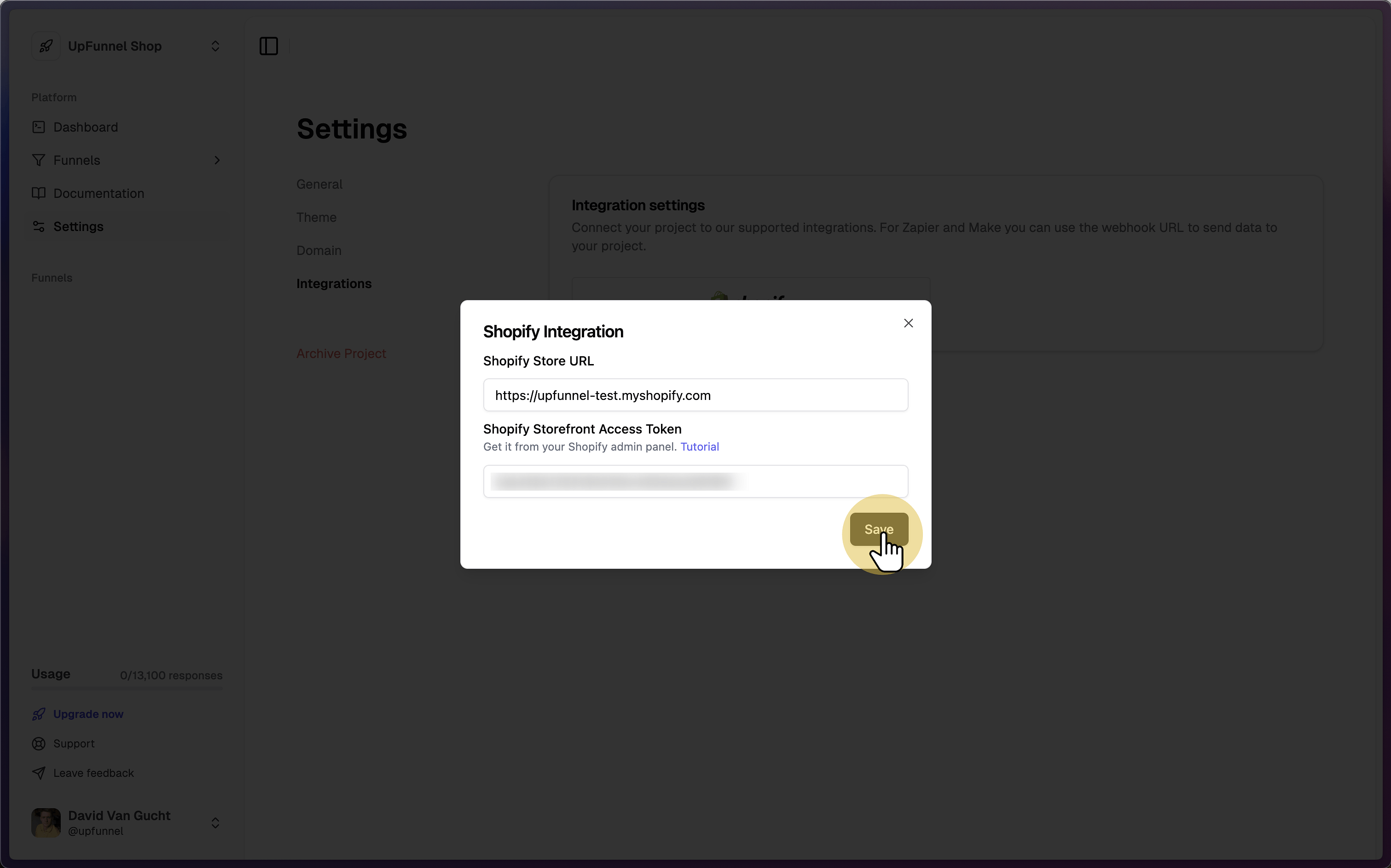
14. Add your store info and access token in UpFunnel
Was this helpful?
Still need help? Share an idea